Efficient Batch Shipping Options with ShipTime
ShipTime makes it easy for businesses to handle high volume shipping with two powerful batch shipment tools. Whether you are sending identical packages to multiple customers or managing unique orders with different dimensions, ShipTime provides fast, reliable solutions that help your business Ship Smarter and save time.
Manual Entry - This uses your existing address book and allows you to select multiple addresses to send shipments with the same dimensions and selectable options.
CSV Upload - This requires you to upload a formatted CSV with full details of each shipment required. For this option, the dimensions and options for each shipment do not need to be the same.
To use this option, your account must be activated. For more details please contact support@shiptime.com or your ShipTime Account Manager
Both options are available for domestic shipments only.
Manual Entry for Fast and Simple Batch Shipping
Manual Entry is perfect for businesses that want to create multiple shipments with the same package details. This tool pulls directly from your ShipTime address book, making it a great option for repeat customers, subscription boxes, marketing kits, or seasonal mailouts.
How Manual Entry Works
1. From your dashboard, select Batch Shipment
2. The Shipping Options window will appear
3. Choose your required shipping preferences
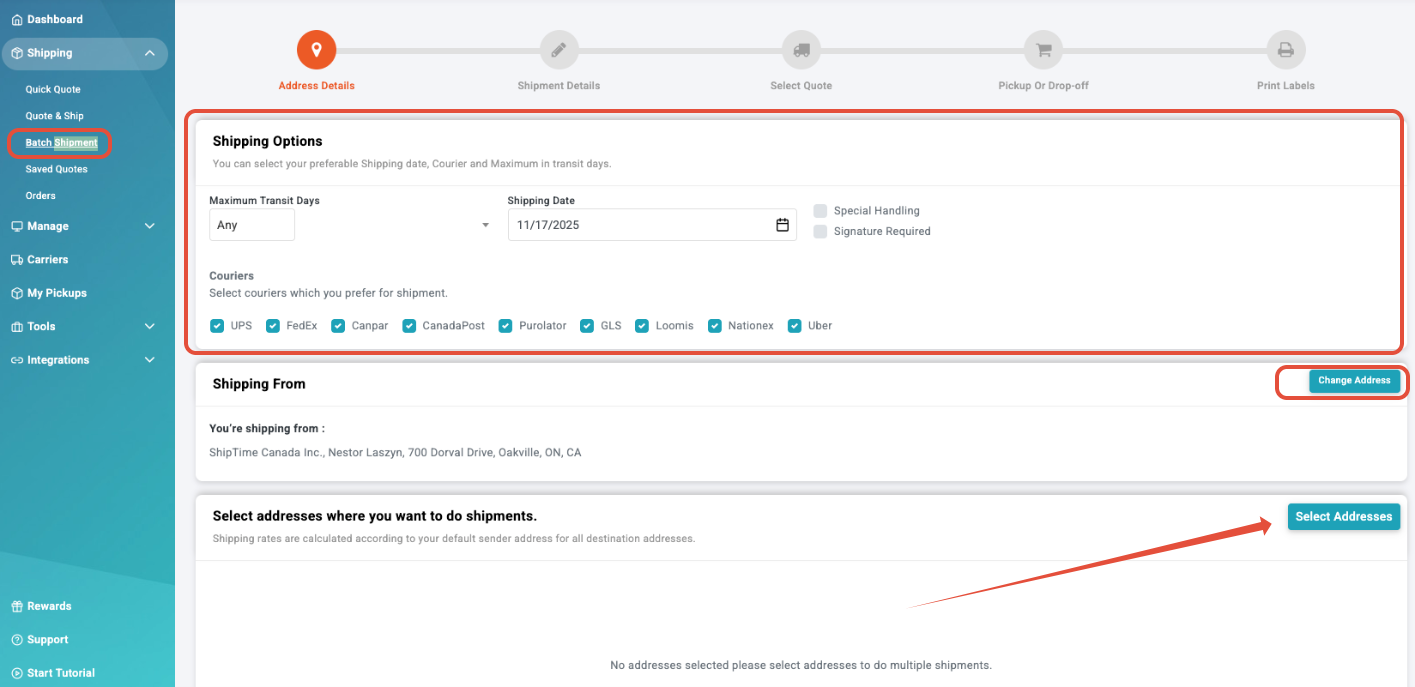
4. Click Select Addresses to open your address book
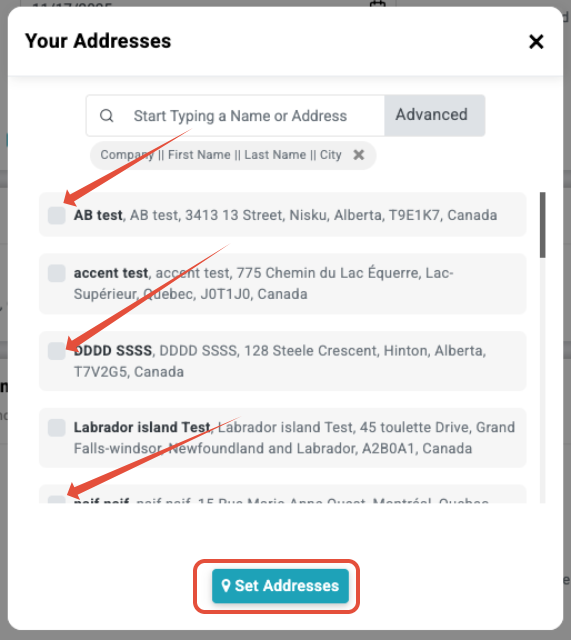
5. Select the recipients and click Set Addresses
6. Confirm the quantity of shipments for each address and click Shipment Details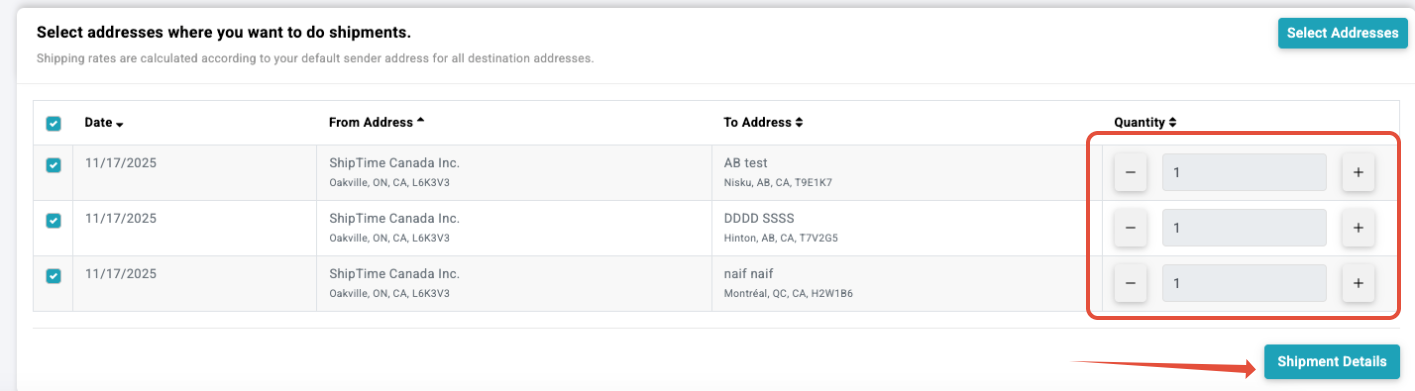
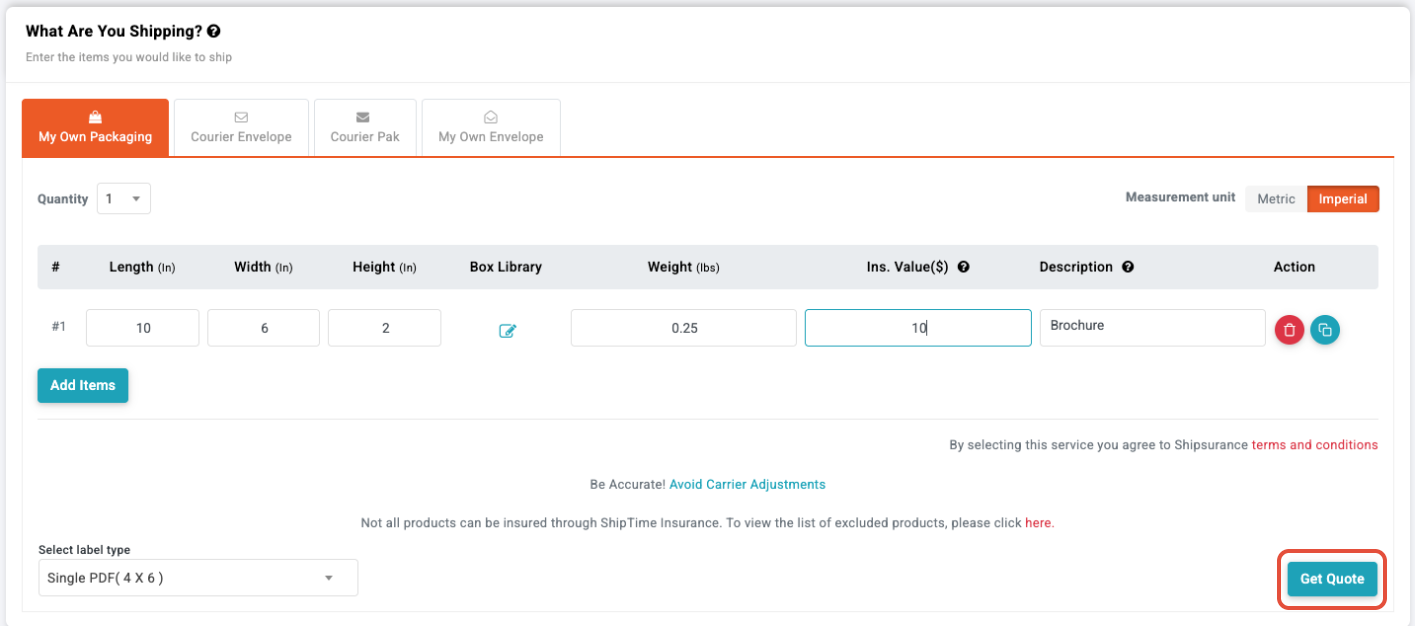
7. Enter the package dimensions and click Get Quote
8. The quotes for each address will be displayed. Once reviewed, click Pick-up or Drop-off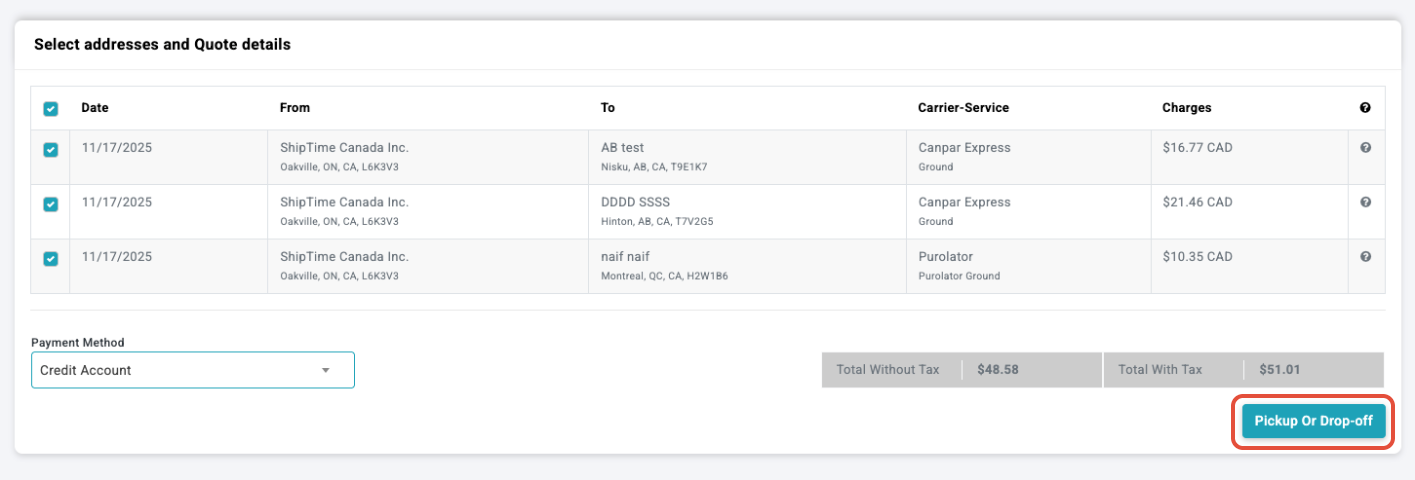
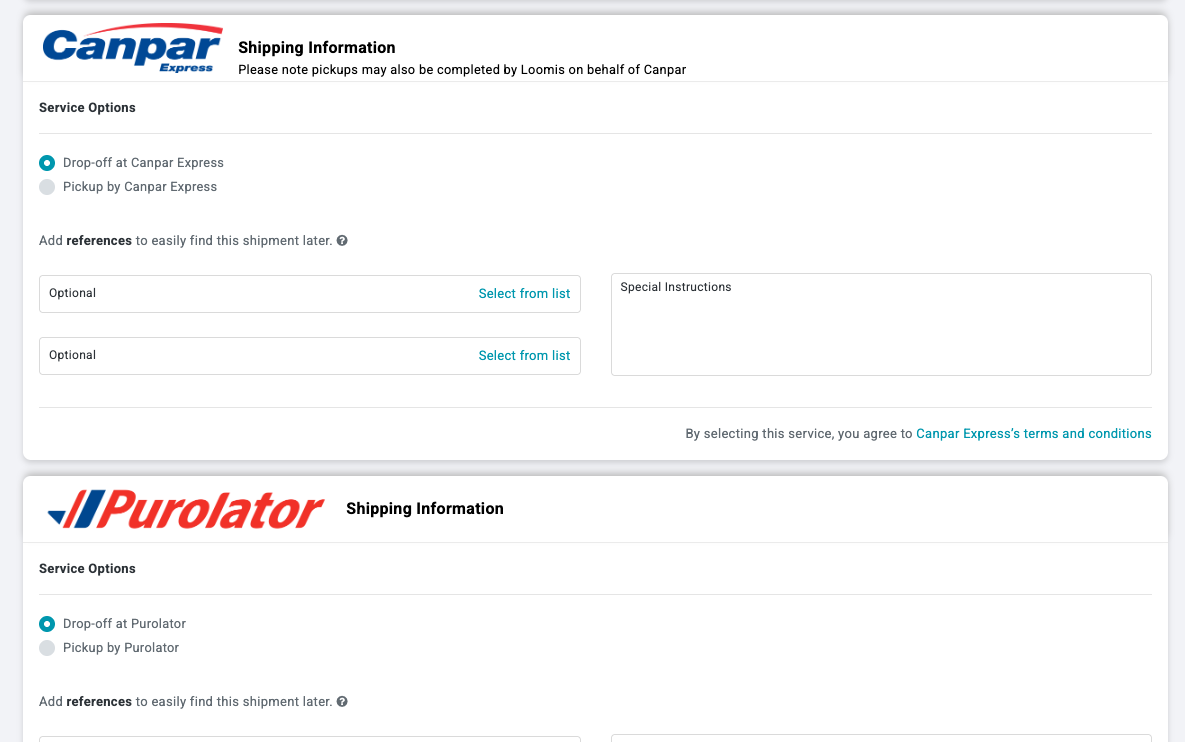
9. Choose your preferred option for all shipments assigned to each carrier
10. Click Place Bulk Shipment

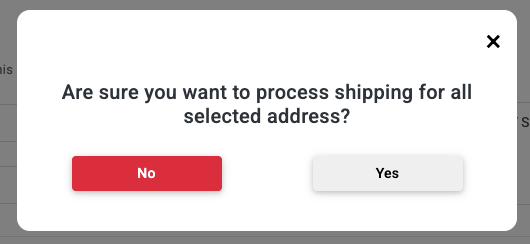
11. Confirm to proceed
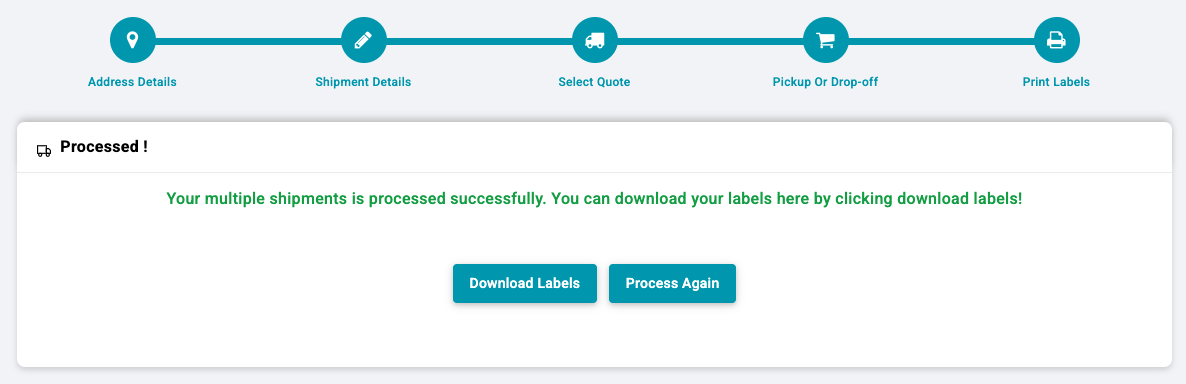
12. Your labels will be generated in one downloadable file